
Shell access is available on all hosting plans. It is off by default, and you can turn it on yourself in the client area:
- Log in at clients.area.lv.
- Open your hosting service.
- In the "Shell (SSH) access" section, click "Turn on shell access".
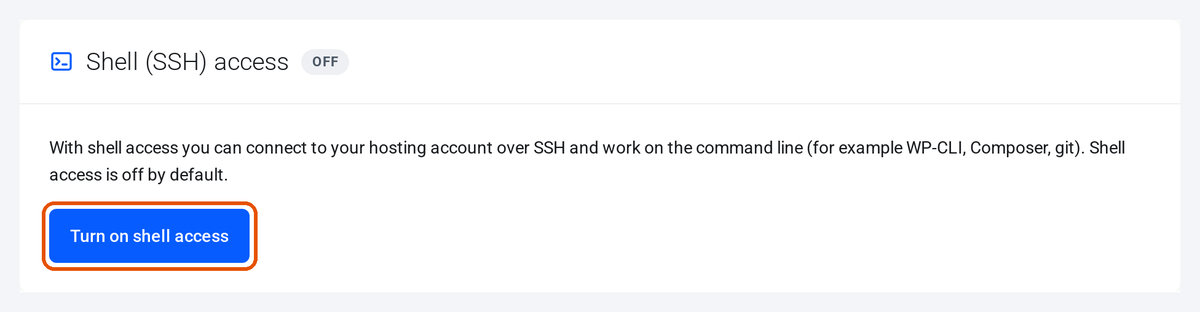
Once it is on, the same section shows the command to connect (ssh username@serverXX.areait.lv). You can log in with your cPanel password or with an SSH key, which you add and authorise under SSH Keys (cPanel: SSH Access). Shell access stays on after a plan change, and the same button turns it off.
Shell access cannot be changed while the service is suspended. A contact without permission to manage services does not see the button. If the button is missing or turning it on fails, open a support ticket and include the primary domain of the hosting account.